After a long wait, I’ve finally decided to work on my personal website again. A couple of things on my plate: updating relevant pages (which have been template data so far), and setting up a custom domain for my website. This blog highlights the mistakes I made, and steps I followed to get my website running. I’m pretty much writing this at the time of setting up the domain so this will contain even the smallest or silliest mistakes made, to remember and avoid them in the future.
Purchasing the Domain
Looked at the following domains, ordered by preference:
arayofcode.techarayofcode.mearayofcode.devarayofcode.comarayofcode.site
I was looking at a domain which wouldn’t be too expensive to start with, and shouldn’t become expensive to renew later. A recommendation: check out TLD-List!
For purchasing my domain, Hostinger, Godaddy and NameCheap were pretty cool. However, I noticed Cloudflare Registrar would’ve been the cheapest given I have no intentions of moving to different provider in future. Finally, went ahead with buying arayofcode.com through Cloudflare.
The first issue
While registering for the domain, I encountered the following error:
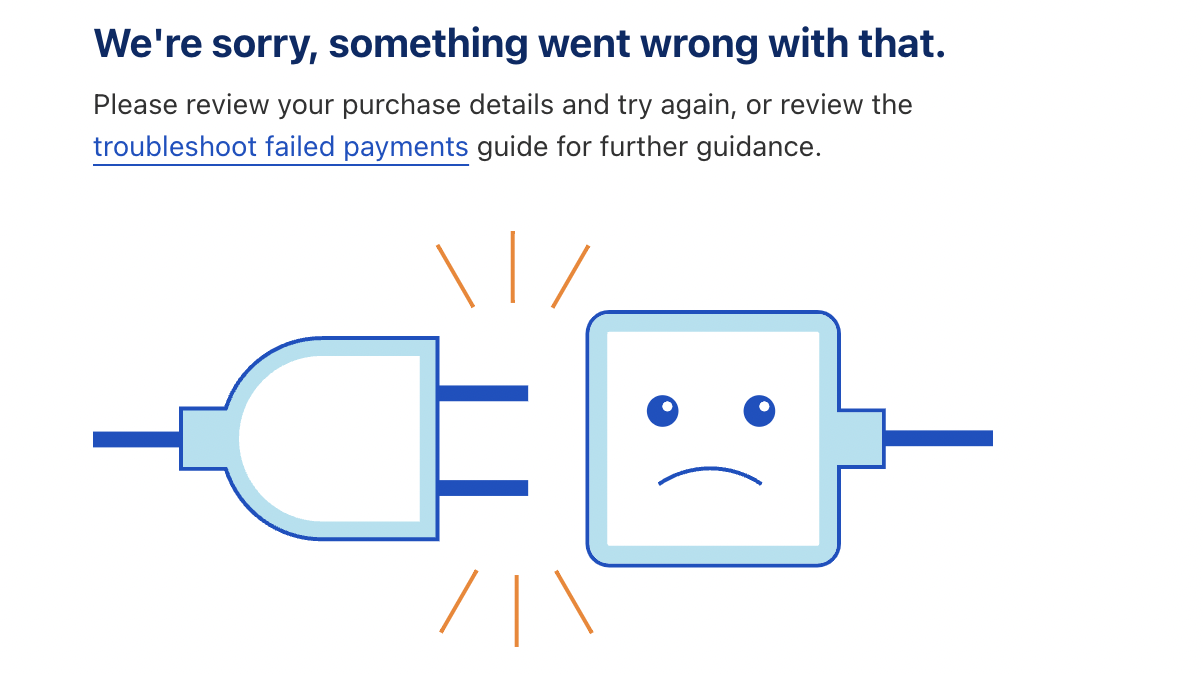
Initially, I couldn’t figure out what went wrong. The forums suggested to create a ticket so I did. However, this turned out to be an embarrassing mistake from my end: my credit card’s limit for international transactions was too limited. Took the L. Increased the limit on, and completed the transaction.
Configuration + Domain Mapping
With the new domain acquired, I explored Cloudflare dashboard to see all available options. Enabled the following features and settings:
- Certificate Transparency Monitoring: Useful to notify when a new certificate is issued.
- Always Use HTTPS.
- Enable HSTS: Enforces HTTPS and protects against protocol downgrade attacks.
- Security > Bots > Block AI Bots: To prevent AI bots from scraping my data.
While I doubt if these security measures are really needed for a personal website, but did them as best practice anyway. Now, to domain mapping: I was clueless honestly! Did a course in Computer Networks back at college. I remember what CNAME records are, but no idea how to make use of them. So, here’s what I did: trial and error :P
Start by creating the following CNAME record:

On going to my website, it either shows Error 1016: Origin DNS error, or Chrome’s ERR_NAME_NOT_RESOLVED error. I figured it might be because GitHub Pages would need similar information too, so added my domain there and saw the following error:
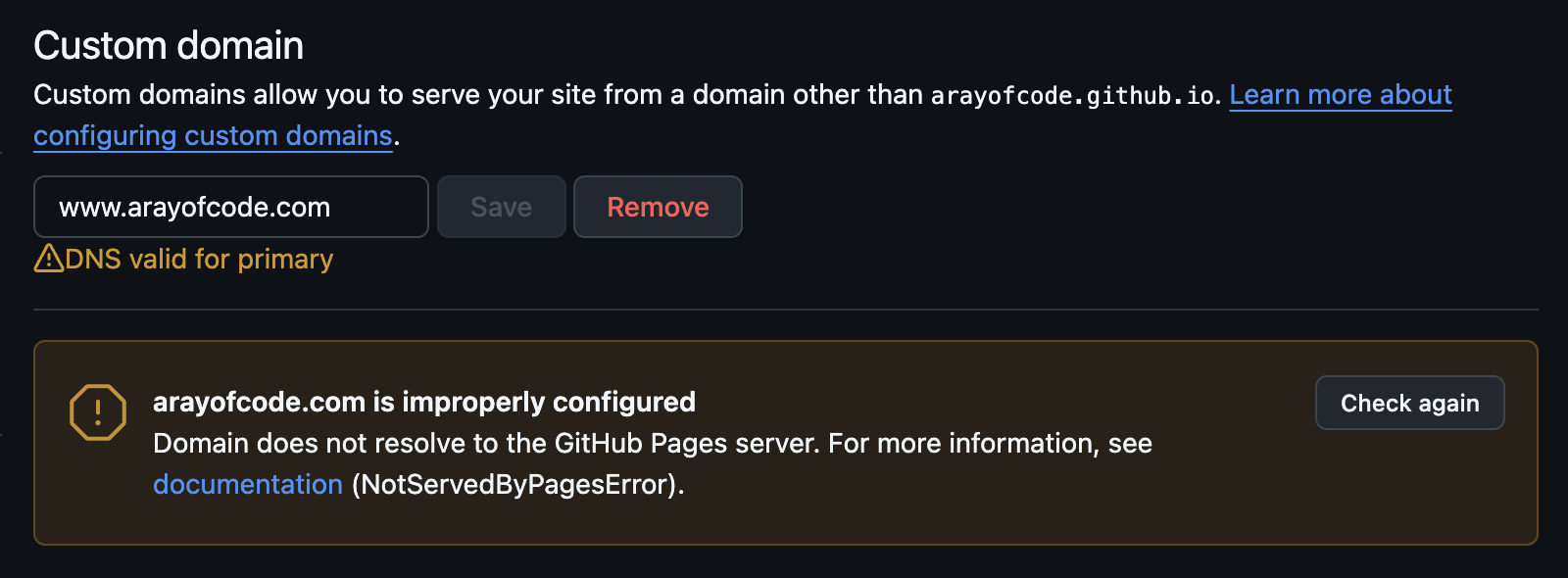 After a few minutes, the website began working. However, the warning still remained.
Further research led me to this documentation by GitHub explaining the right way of managing custom domains. Following these steps fixed the error shown earlier. However, I still don’t fully understand what went wrong.
Conclusion
- Do your research, and buy the domain from a provider offering it on reasonable price and providing good features.
- Setup the relevant DNS records that ensure requests are handled properly.
- Ensure enabling “reasonable” level of security. At minimum, it should be HTTPS-enabled, preferably working only on HTTPS.
- Updating DNS records takes time so have some patience and wait for a few minutes before debugging problems.